
Quick summary: Local schema markup is code added to your website that tells search engines your business name, address, phone, hours, and service area in a standard format. The recommended format is JSON-LD using the LocalBusiness type from Schema.org. It does not directly raise rankings, but it removes guesswork for Google and for AI tools that read your site.
Your website says "Open weekdays 8 to 5" in a footer. A person understands that right away. A search engine has to interpret it, and it sometimes gets it wrong.
Schema markup states the same facts in a format machines read without interpretation.
What is local schema markup?
Local schema markup is structured data that describes a local business. It uses a shared vocabulary from Schema.org, which Google, Microsoft, and other search companies created together.
The code sits in the page's HTML. Visitors never see it. Crawlers read it and learn, without guessing:
- Your exact business name
- Your address and map coordinates
- Your phone number and website
- Your opening hours
- The area you serve
- Your social profiles and other listings
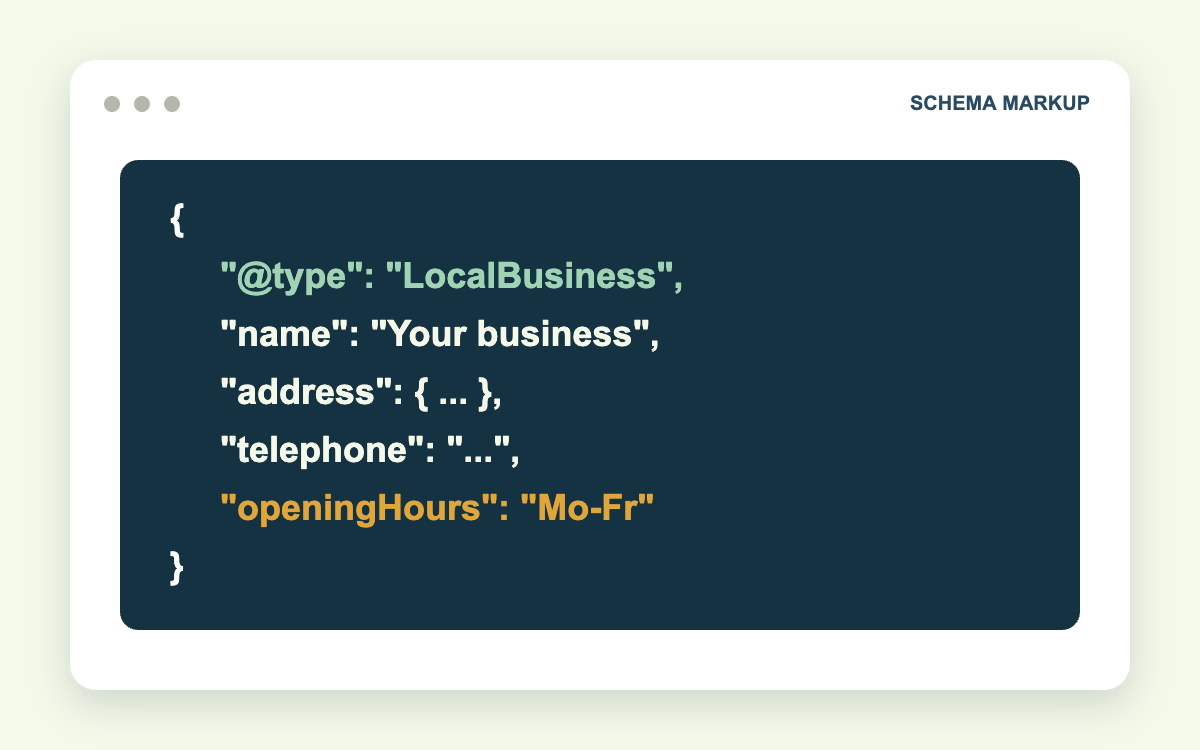
JSON-LD is the format Google recommends. It is a single block of code, separate from the visible content, so it can be added or edited without touching your page layout.
Why does your business need local schema?
Here is the business case in plain terms.
It confirms your details. Schema that matches your Google Business Profile and directory listings reinforces that your name, address, and phone are correct.
It supports AI answers. Assistants and AI Overviews extract facts from pages. Clearly labeled data is easier to extract and cite accurately.
It connects your profiles. The sameAs property links your site to your Google, Facebook, and Yelp listings, so search engines treat them as one entity.
It can improve how you appear. Structured data makes pages eligible for certain enhanced results, though Google decides when to show them.
A caution on expectations: schema is not a ranking shortcut. In practice, it is a low-cost fix that prevents errors, and it will not offset a weak profile or a thin website.
A LocalBusiness JSON-LD example you can copy
Replace the sample values with your own. Place the code in the <head> of your homepage or location page.
{
  "@context": "https://schema.org",
  "@type": "Plumber",
  "name": "Example Plumbing Co.",
  "image": "https://www.example.com/images/storefront.jpg",
  "url": "https://www.example.com/",
  "telephone": "+1-000-000-0000",
  "priceRange": "$$",
  "address": {
    "@type": "PostalAddress",
    "streetAddress": "123 Main Street, Suite 2",
    "addressLocality": "Bellefonte",
    "addressRegion": "PA",
    "postalCode": "16823",
    "addressCountry": "US"
  },
  "geo": {
    "@type": "GeoCoordinates",
    "latitude": 40.91340,
    "longitude": -77.77830
  },
  "openingHoursSpecification": [
    {
      "@type": "OpeningHoursSpecification",
      "dayOfWeek": ["Monday", "Tuesday", "Wednesday", "Thursday", "Friday"],
      "opens": "08:00",
      "closes": "17:00"
    }
  ],
  "areaServed": [
    { "@type": "City", "name": "Bellefonte" },
    { "@type": "City", "name": "State College" }
  ],
  "sameAs": [
    "https://www.facebook.com/exampleplumbing",
    "https://www.yelp.com/biz/example-plumbing"
  ]
}
Wrap it in <script type="application/ld+json"> and </script> tags when you add it to the page.
What each property means
| Property | What it tells Google | Required? |
|---|---|---|
@type | The kind of business | Yes |
name | Business name, matching your profile | Yes |
address | Full postal address | Yes |
telephone | Primary phone with country code | Recommended |
url | The page for this location | Recommended |
geo | Latitude and longitude | Recommended |
openingHoursSpecification | Days and hours, in 24-hour time | Recommended |
priceRange | Relative price level | Recommended |
areaServed | Cities or regions you cover | Optional |
sameAs | Your other official profiles | Optional |
Google requires only name and address. The more recommended properties you complete accurately, the more useful the markup is.
How to choose the right business type
Use the most specific type available. Google's documentation says to avoid the generic LocalBusiness when a subtype fits.
| Business | Schema type |
|---|---|
| Law firm | LegalService or Attorney |
| Dentist | Dentist |
| Plumber | Plumber |
| Roofer | RoofingContractor |
| HVAC company | HVACBusiness |
| Electrician | Electrician |
| Auto repair shop | AutoRepair |
| Restaurant | Restaurant |
Browse the full list at Schema.org under LocalBusiness if your trade is not shown here.
How to add geo-coordinates correctly
Google asks for latitude and longitude with at least five decimal places. To find yours:
- Open Google Maps and find your building.
- Right-click the exact entrance.
- Select the coordinates at the top of the menu to copy them.
Use coordinates that match the pin on your Google Business Profile. A mismatch between the two sends mixed location signals.
Can you add star ratings with aggregate rating schema?
This is the most misunderstood part of local schema.
Google's guidelines state that aggregateRating and review markup on a LocalBusiness page is intended for sites that collect reviews about other businesses. Reviews you host about your own business are considered self-serving and are not eligible for star rich results.
What this means in practice:
- Marking up your own testimonials will not produce stars in search results for your business pages.
- Copying your Google reviews into schema is against Google's guidelines.
- Product and service pages on some sites can still qualify for review stars under different rules.
Any provider promising "star ratings in Google from schema" for your homepage is working from pre-2019 advice.
How to test your schema
- Go to Google's Rich Results Test and paste your page URL or code.
- Fix any errors shown in red. Warnings in yellow are optional improvements.
- Use the Schema Markup Validator at validator.schema.org for a full syntax check.
- After publishing, watch the Enhancements reports in Google Search Console for new issues.
Common local schema mistakes
- Details that do not match the visible page. Schema must describe content users can see.
- The same schema on every page. Put LocalBusiness markup on the homepage or the specific location page, not site-wide.
- One block for several locations. Each location needs its own markup on its own page.
- Outdated hours. Update schema when your hours change.
- Plugin conflicts. Two SEO plugins can output duplicate, conflicting blocks.
A frequent case: a business changes its phone number, updates the footer, and leaves the old number in the schema because it is buried in a plugin setting. Google now has two numbers for one business.
Free guide: LocalBusiness schema starter pack. A JSON-LD template, types for eight trades, a field guide, and a testing checklist.
Frequently asked questions
Does schema markup improve local rankings?
Not directly. It helps search engines interpret your business details correctly, which supports the accuracy signals local rankings depend on.
Do I need a developer to add schema?
Not always. WordPress SEO plugins such as Yoast, Rank Math, and AIOSEO generate LocalBusiness schema from a settings form. Custom setups and multi-location sites usually benefit from a developer.
Is FAQ schema still worth adding?
Google now shows FAQ rich results for very few sites, so do not expect expanded listings. FAQ markup can still help machines parse your questions and answers.
Where should local schema go on a multi-location website?
Put Organization schema on the homepage and a separate LocalBusiness block on each location page, each with its own address, phone, hours, and coordinates.
Have your schema checked
Schema setup and validation are part of our technical SEO work. We write the markup, match it to your Google Business Profile, and monitor Search Console for errors.
Structured data also supports visibility in AI results, which our AEO and GEO services address. For the wider picture, see our local SEO services.
Contact Galli Local to request a schema check. Send your URL and we will tell you what markup is present, what is missing, and what conflicts with your profile.
Sources: Google: LocalBusiness structured data, Schema.org LocalBusiness